BruhLabs

Download ScreenWise & DeskNotchGet the apps, bruh.

ScreenWise and DeskNotch are free on the Microsoft Store. They're Windows desktop apps, so install them on your PC.

  • Free
  • Windows 10 & 11
  • Desktop only
  • Microsoft Store
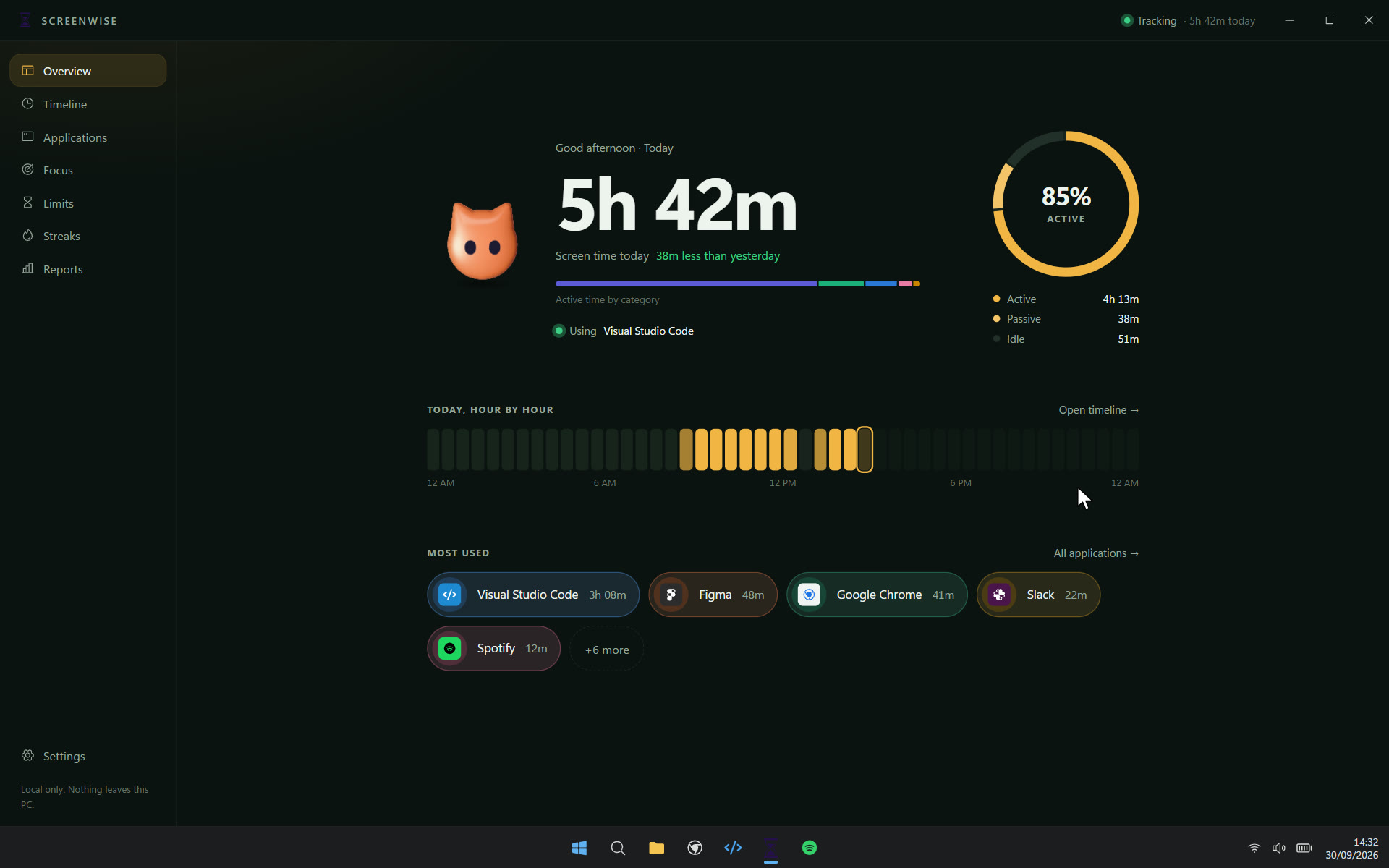
ScreenWise running on Windows

For Windows · v1.0.0

ScreenWise

Digital wellbeing for Windows. Screen time, sessions, limits and focus, stored on your PC.

Get it from Microsoft Store

Store listing coming soon.

Version
v1.0.0
Price
Free
Platform
Windows desktop
Requires
Windows 10 or 11, 64-bit
Everything in ScreenWise
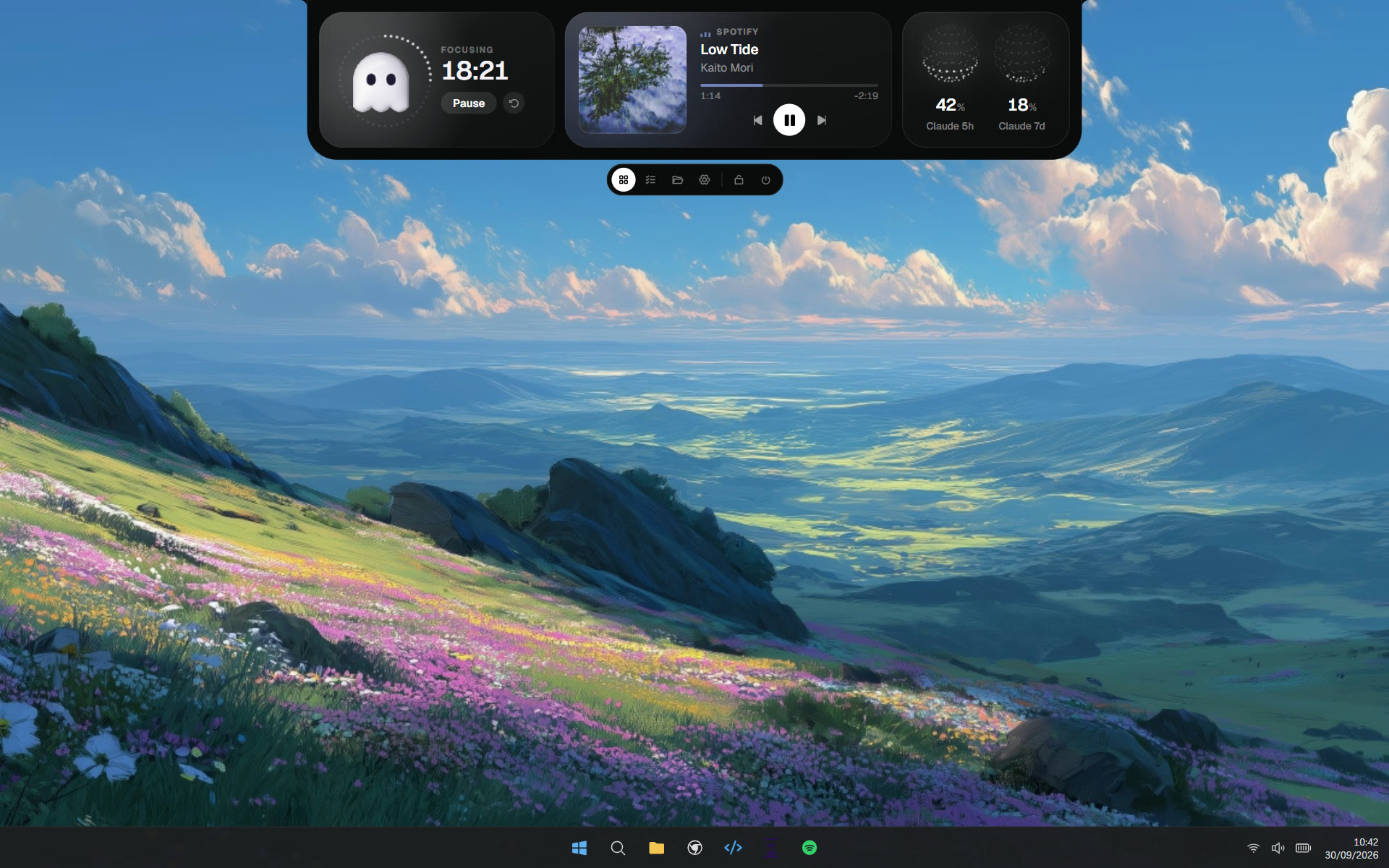
DeskNotch running on Windows

For Windows · v1.0.2

DeskNotch

A notch for the top of your Windows desktop. Hover it for your music, a focus timer, tasks, files and AI usage.

Get it from Microsoft Store

Store listing coming soon.

Version
v1.0.2
Price
Free
Platform
Windows desktop
Requires
Windows 10 or 11, 64-bit
Everything in DeskNotch

FAQ

Questions, answered.

  • Are the apps really free?
    Yes. ScreenWise and DeskNotch are free on the Microsoft Store. No trial, no account.
  • Can I use them on a Mac or my phone?
    No. They're Windows desktop apps, built for Windows 10 and 11. On another device, copy this page's link and open it on your PC.
  • How do updates work?
    The Microsoft Store handles them. Once installed, the apps update in the background like any other Store app.
  • Does my data leave my PC?
    ScreenWise: Everything stays in a database on your PC. ScreenWise makes no network requests at all, never reads window titles, and lets you export or delete your data whenever you like. Full policyDeskNotch: Settings, tasks, reminders and your shelf are saved on your PC. No accounts, no analytics. The one thing it fetches is your Claude and Codex usage, straight from Anthropic and OpenAI with the sign-in already on your PC, and only if you use those tools. Full policy
  • How do I uninstall them?
    Open Settings, then Apps, then Installed apps. Find the app, open its ··· menu and choose Uninstall. Or right-click it in the Start menu and pick Uninstall.
  • I found a bug. Where do I report it?
    Open an issue on GitHub for ScreenWise or DeskNotch, or email work4manasjha@gmail.com. Tell us your Windows version and what you were doing when it happened.